Website accessibility lawsuits against small healthcare practices have become common enough that this is no longer a theoretical risk, and most dental websites, including newer ones, fall short in ways the owner has never noticed. This isn’t about a single checkbox; it’s a range of practical fixes that also happen to make the site work better for everyone.
What accessibility actually means for a website
In practice, it means the site can be used by someone who is blind and using a screen reader, someone who can’t use a mouse and navigates by keyboard, or someone with low vision who needs sufficient contrast to read text. A website that fails these isn’t just excluding those visitors — it’s the specific gap that generates most accessibility legal claims.
Images need real descriptions, not just decoration
Every meaningful image on a dental website should have alt text describing what it shows, so a screen reader can convey it to a visitor who can’t see it. A photo of the office, a staff member, or a before-and-after result with no alt text is invisible to that visitor entirely, and it’s one of the most common and easiest gaps to close.
Forms need to work without a mouse
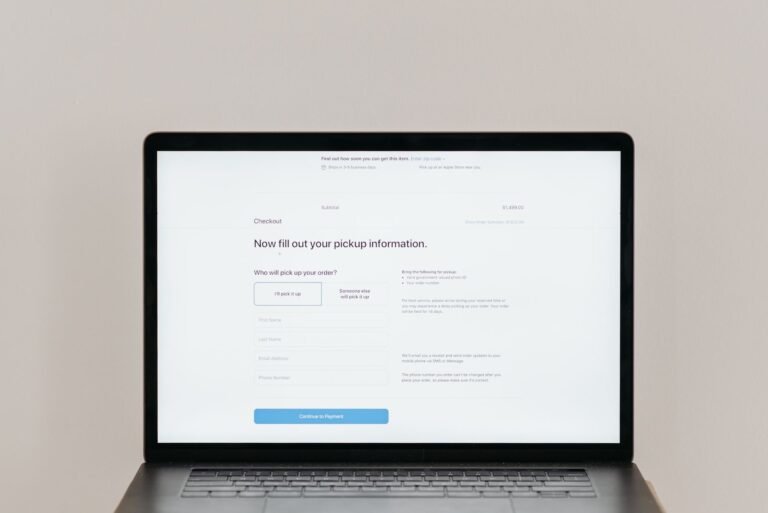
An appointment request form should be fully usable by tabbing through fields with a keyboard alone, with clear labels a screen reader can announce. Forms that only work by clicking precisely with a mouse exclude a meaningful group of visitors and are a frequent focus of accessibility complaints specifically because booking is the site’s core purpose.
Color contrast is an easy, overlooked fix
Light gray text on a white background, or a brand color that looks elegant but has weak contrast, can be genuinely unreadable for visitors with low vision, and it’s checkable in minutes with free contrast-checking tools. This is often the single fastest fix available on a dental website, because it usually requires a small design adjustment rather than a rebuild.
This isn’t a one-time fix, but it isn’t a redesign either
Accessibility isn’t a feature to add once and forget — new pages and content should be built with the same standards. But bringing an existing site into reasonable compliance is usually a focused pass through images, forms, and contrast, not a full rebuild. Treating it as ongoing hygiene, checked whenever the site changes, is more realistic than a single big project.
What to do about it
ADA website compliance means real usability for screen readers, keyboard navigation, and adequate contrast — not a single certificate to obtain. Auditing images, forms, and contrast is a practical starting point that closes both the legal exposure and the practical gap of excluding real potential patients.
Related services
Frequently Asked Questions
Can my dental practice be sued over website accessibility?
Yes — accessibility lawsuits against small healthcare practice websites have become common. The most frequent issues are missing image descriptions, forms that don’t work with a keyboard, and poor color contrast.
What’s the easiest accessibility fix for a dental website?
Checking color contrast, since it’s fixable in minutes with free tools and is one of the most common issues. Adding proper alt text to images and making forms keyboard-navigable are the next highest-value fixes.
Is dental website ADA compliance legally required?
The legal landscape is evolving and varies by jurisdiction and specific circumstances, but the safest approach is treating basic accessibility (readable text, alt text on images, keyboard navigability) as a standard practice rather than waiting for a specific legal mandate to apply.
What does an accessible dental website actually look like?
Sufficient color contrast, descriptive alt text on images, a logical heading structure, forms that work with screen readers, and navigation that doesn’t rely solely on mouse hovering are among the core practical elements.
Can accessibility improvements hurt a website’s design?
Not if done thoughtfully. Most accessibility improvements (better contrast, clearer navigation, readable text sizes) tend to improve the experience for all visitors, not just those using assistive technology.
How can a practice check if its website is accessible?
Free automated tools can catch common issues (missing alt text, poor contrast), though a full accessibility review often benefits from manual testing with a screen reader or an accessibility-focused audit for anything beyond the basics.
Does accessibility affect SEO?
Yes, to some degree. Many accessibility best practices — descriptive alt text, clear heading structure, readable content — overlap directly with what search engines use to understand and rank a page.
What happens if a dental practice receives an ADA website complaint or demand letter?
This is a legal matter that should involve an attorney familiar with ADA website compliance claims, since the right response depends on the specific jurisdiction and claim details, not something to navigate purely through marketing decisions.
Should accessibility be addressed during a website redesign or as a separate project?
It’s most efficient to address during a redesign, since accessibility considerations affect the underlying template and structure. Retrofitting an existing site can work but sometimes requires more piecemeal fixes.
Is website accessibility a one-time fix or an ongoing consideration?
Ongoing. New content, images, and features added after an initial accessibility pass need to follow the same standards, or the site gradually accumulates new accessibility gaps over time.